
Insert Audio
How to Insert Audio
To start with, you can head to Audio.
In Assemblr Studio, you can insert two different audio types: BGM (background music) and SFX (sound effects). For the SFX one, it's also a part of the Sound Effect Interactivity.
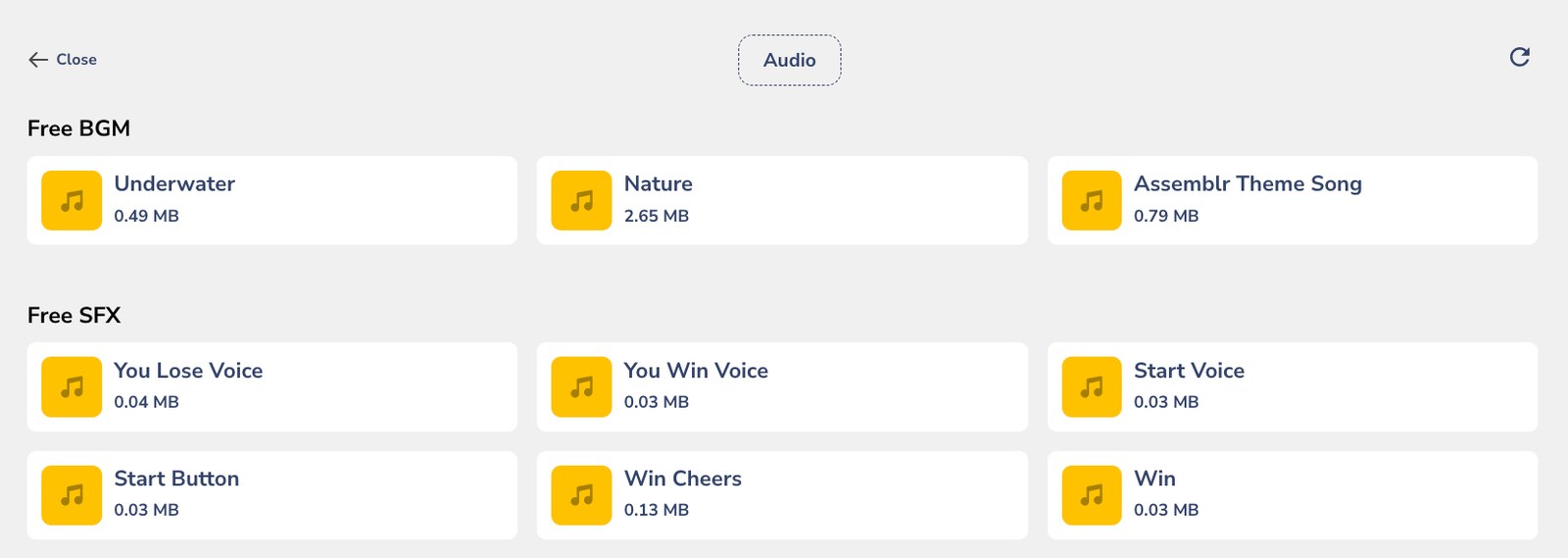
If you want, you can find and use the audio files from our library—they're free!
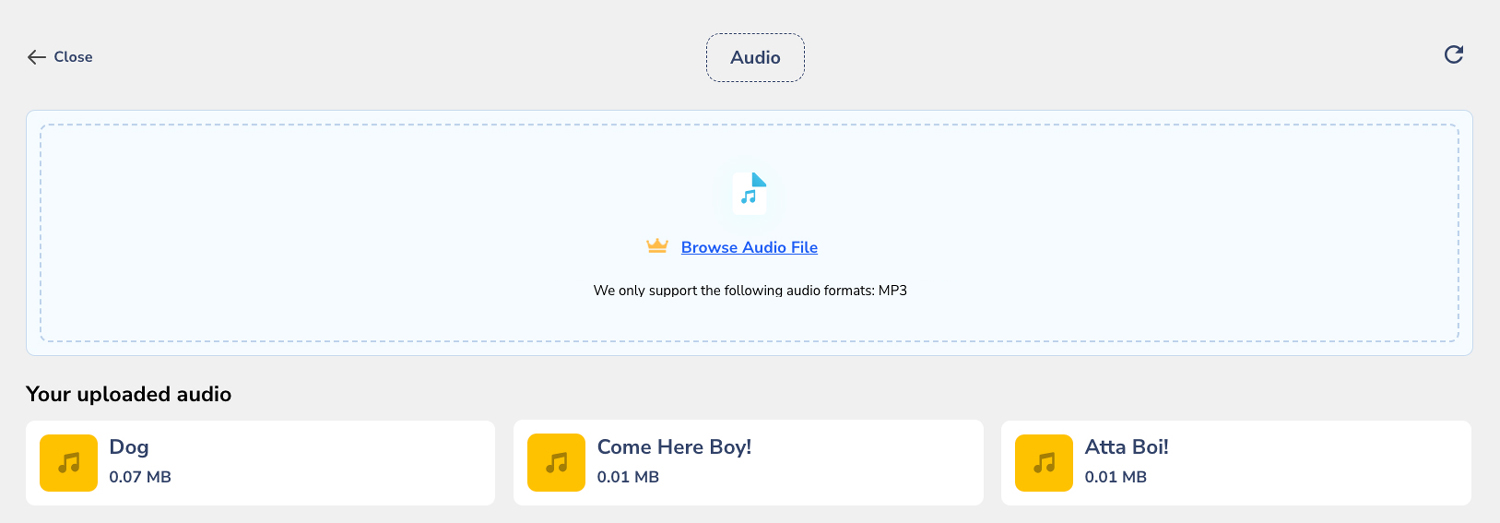
However, if you want to upload your own, we also provide you the option for that. Simply click on the Browse Audio File option, and you can import your own audio files in MP3.
Once you add the audio, you can do further settings for your BGM or SFX—be it volume adjustment, where the audio will be played (BGM only), and looping options.
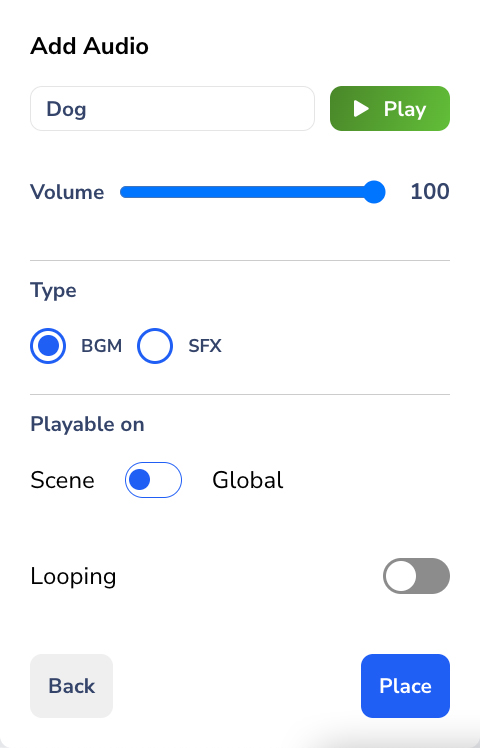
If you're done, click Place. You can do the settings on the right panel, or even change your audio—just in case you want to modify it.