
Introduction to Editor
Editor will be your space to create your own AR projects. To start off, let's take a peek at our Control Guide!
Control Guide
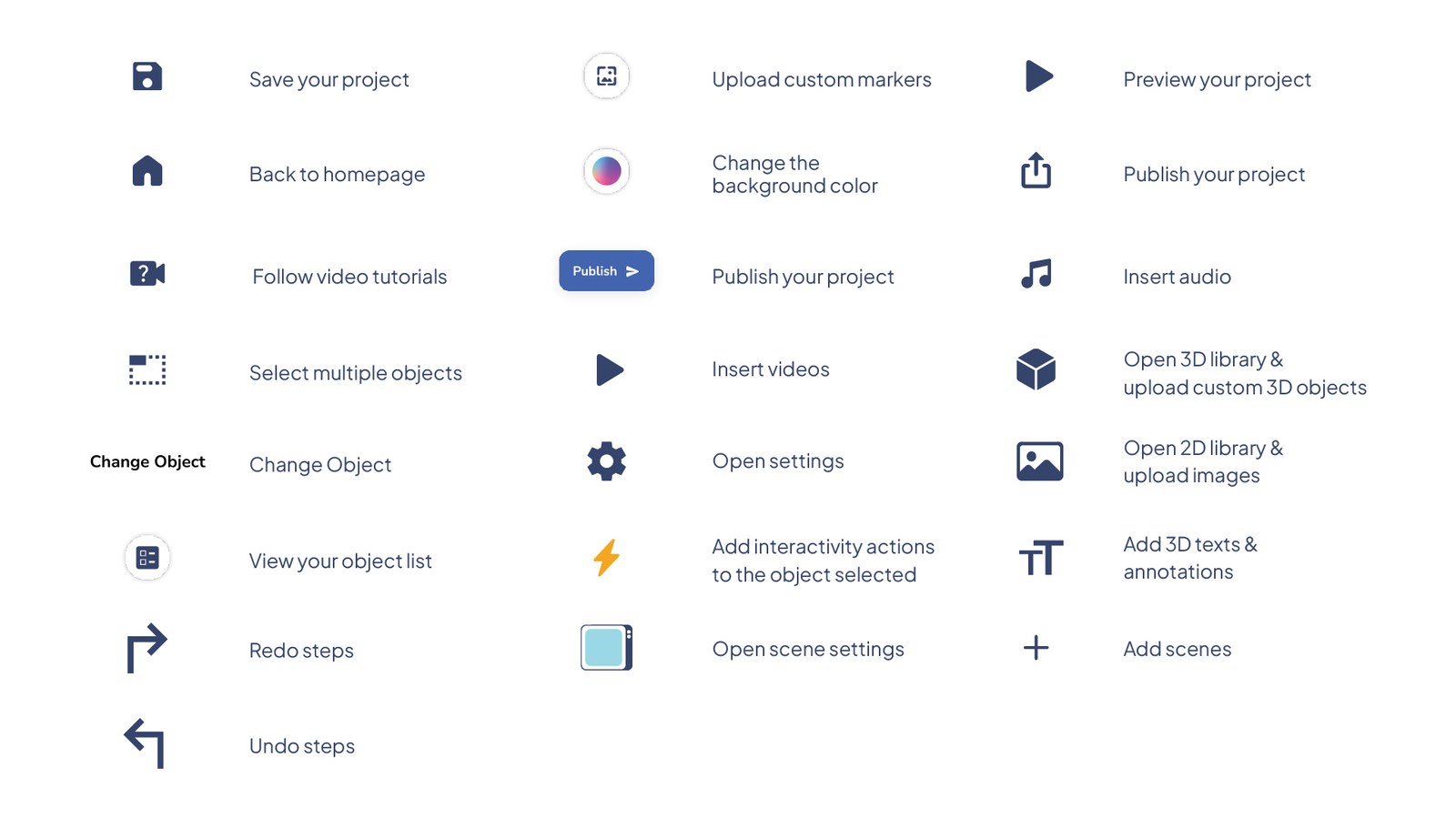
Object List
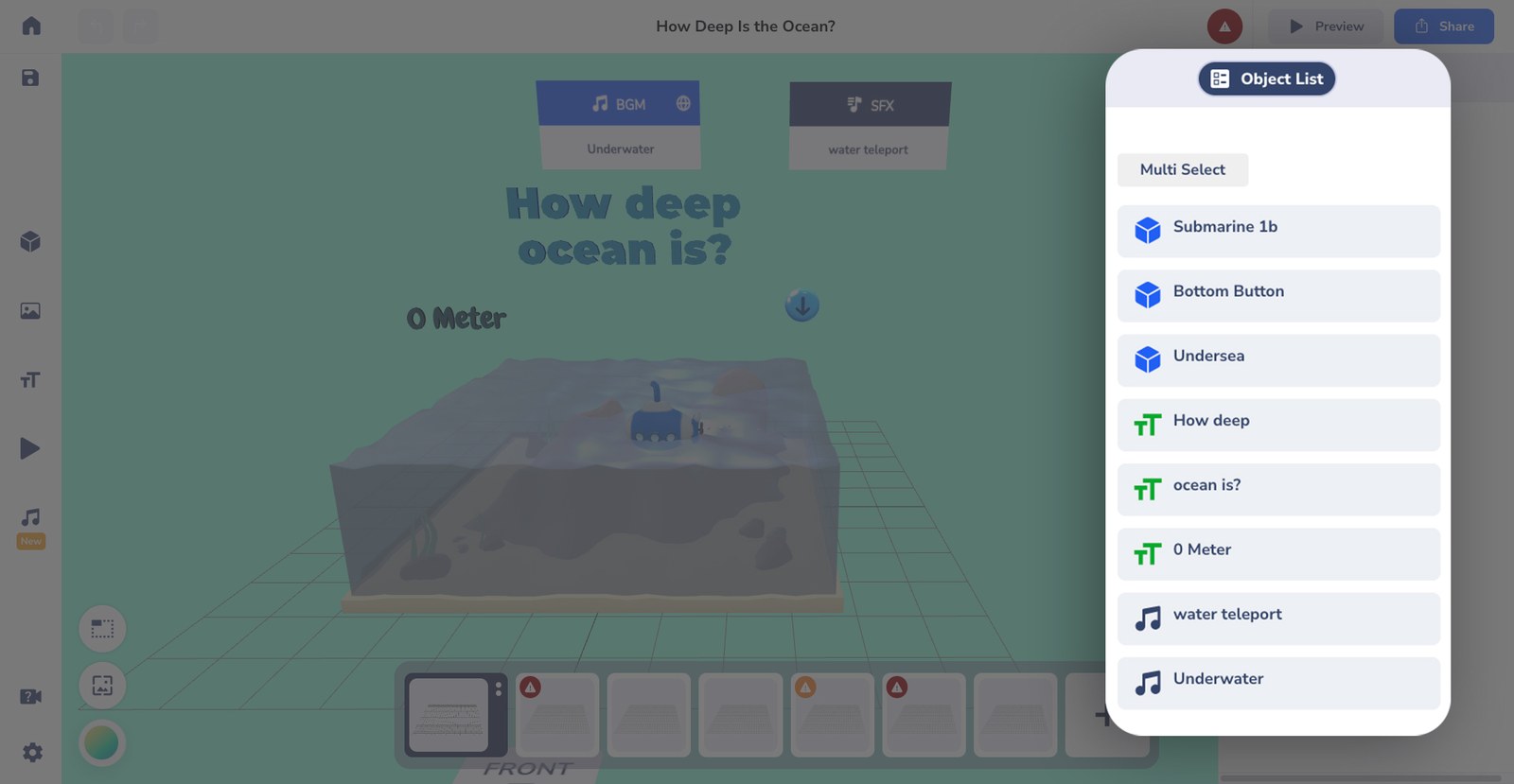
When there are too many objects in one project, it's fairly possible to get confused while sorting them out. With Object List, you can easily sort the list of objects on your project!
Aside from sorting, you can also click on each list to transform or even hide and show your objects on the Editor.
Killer Shortcut!
Press 'O' on your keyboard to make the object list appear. Much faster, it is!